Row counter
Tap to count up, swipe to undo. Set a target and a progress ring shows how close you are to binding off.
Knit. Count. Breathe.
Knittle keeps your row counts, patterns and notes for every project together. It lives on your iPhone, iPad and Apple Watch and feels like a quiet evening with a cup of tea.
Free to download. No account needed. Optional Premium to unlock everything.
A peek inside
A look at the screens you will use the most. Swipe through, the app feels exactly like this.
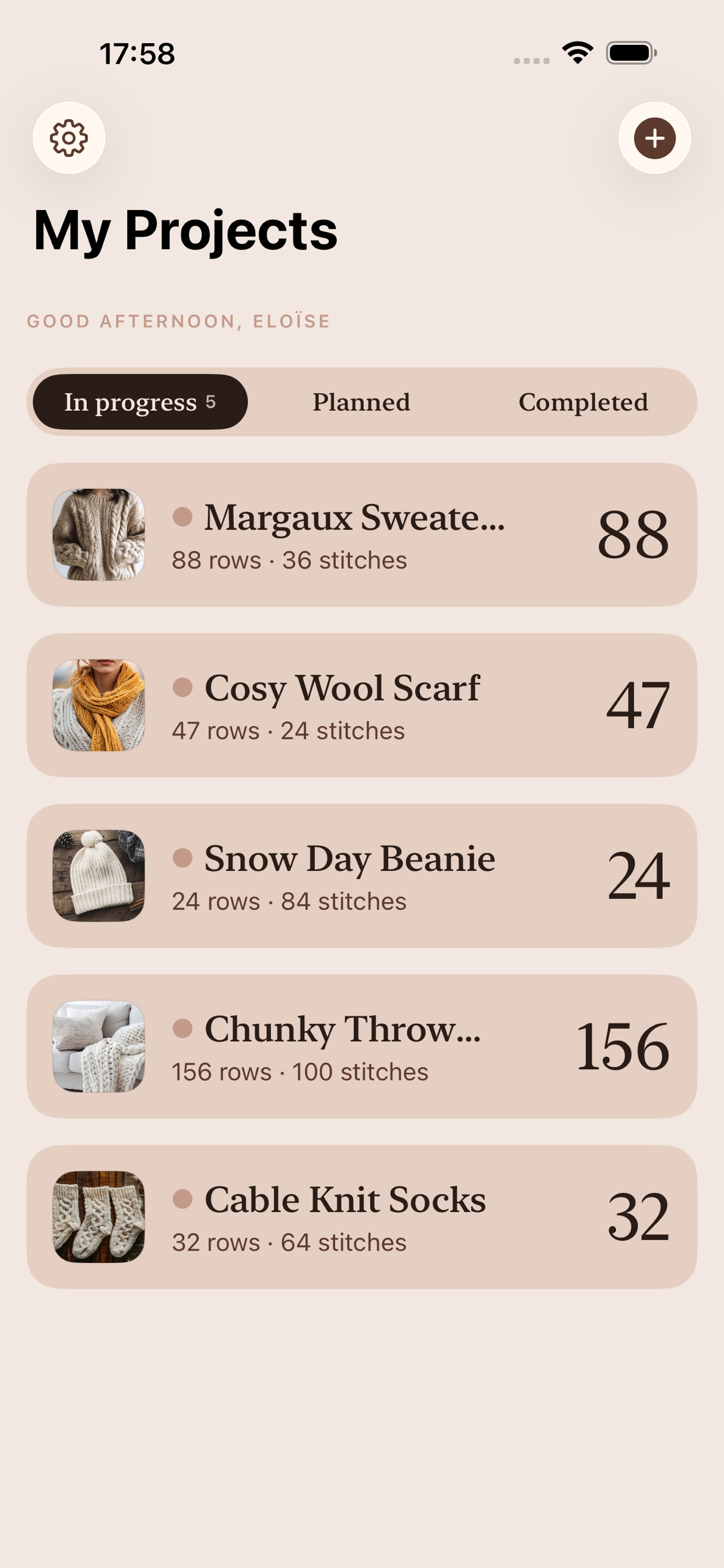
Your projects, by mood
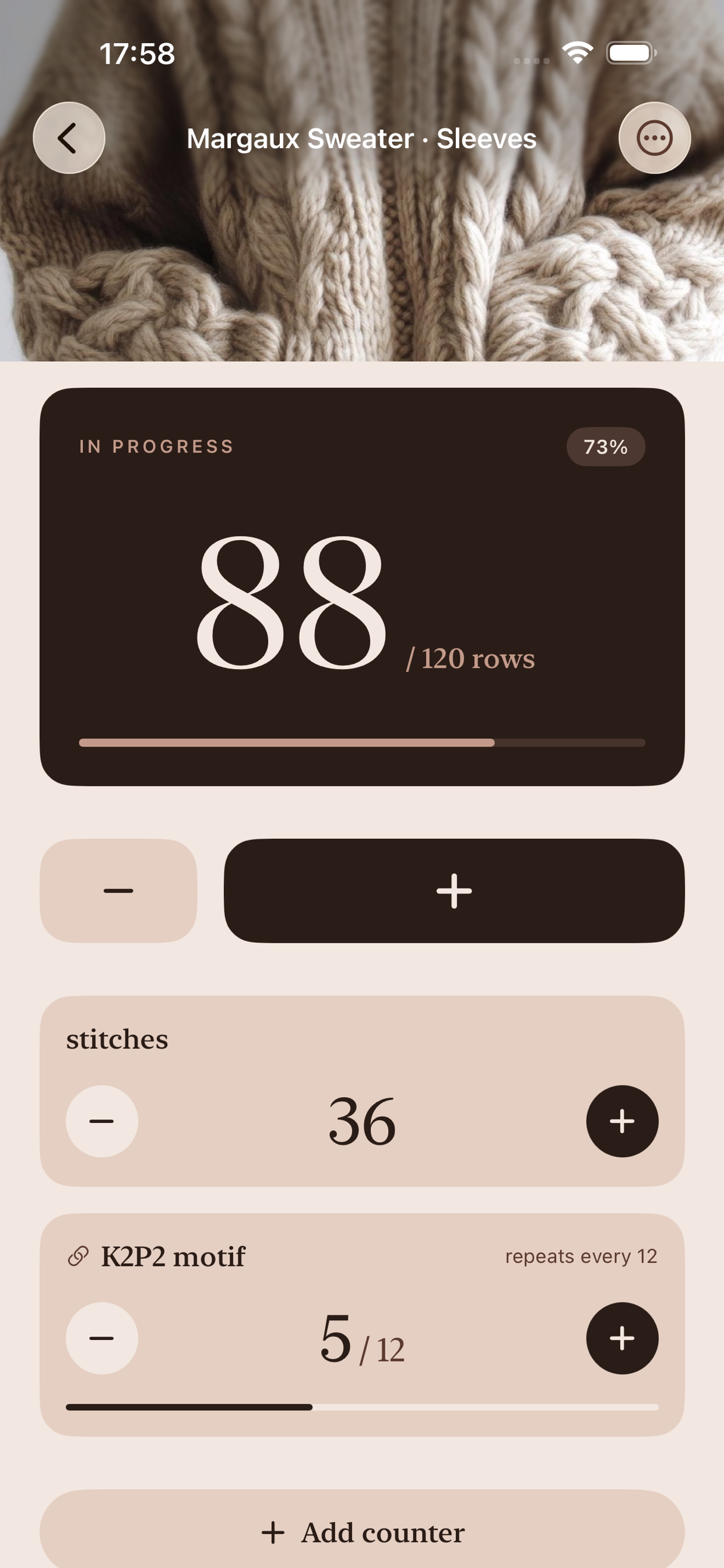
Counters that feel friendly
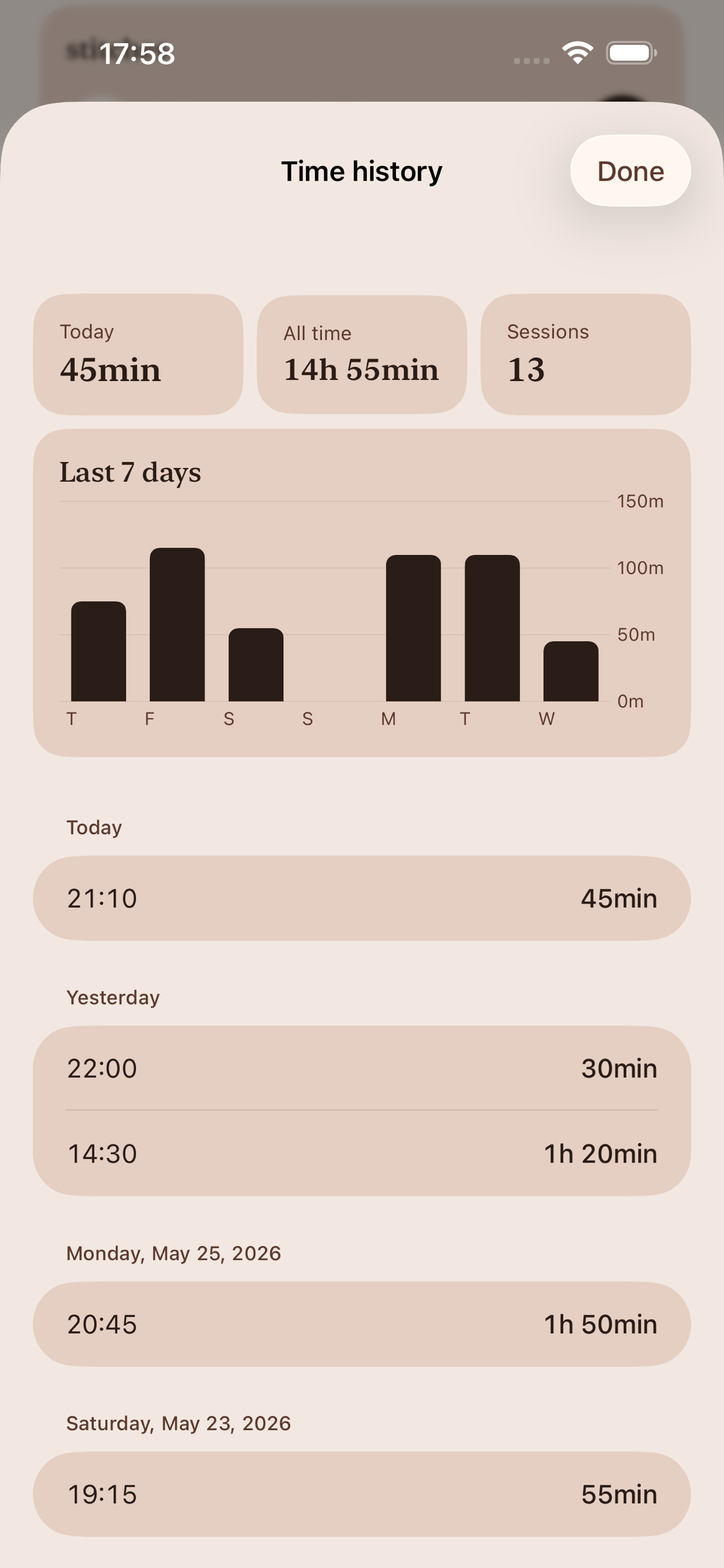
See your knitting rhythm
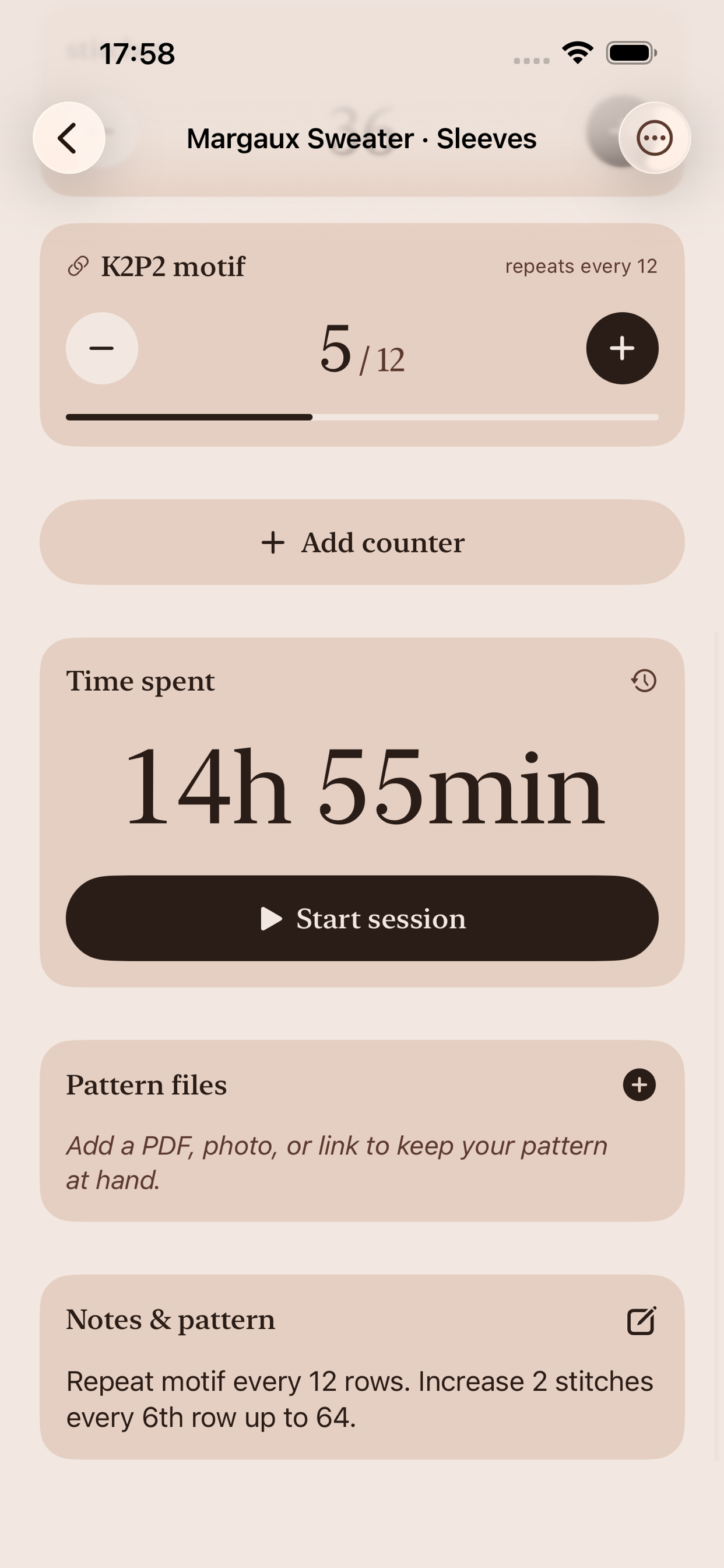
Notes and patterns, kept close
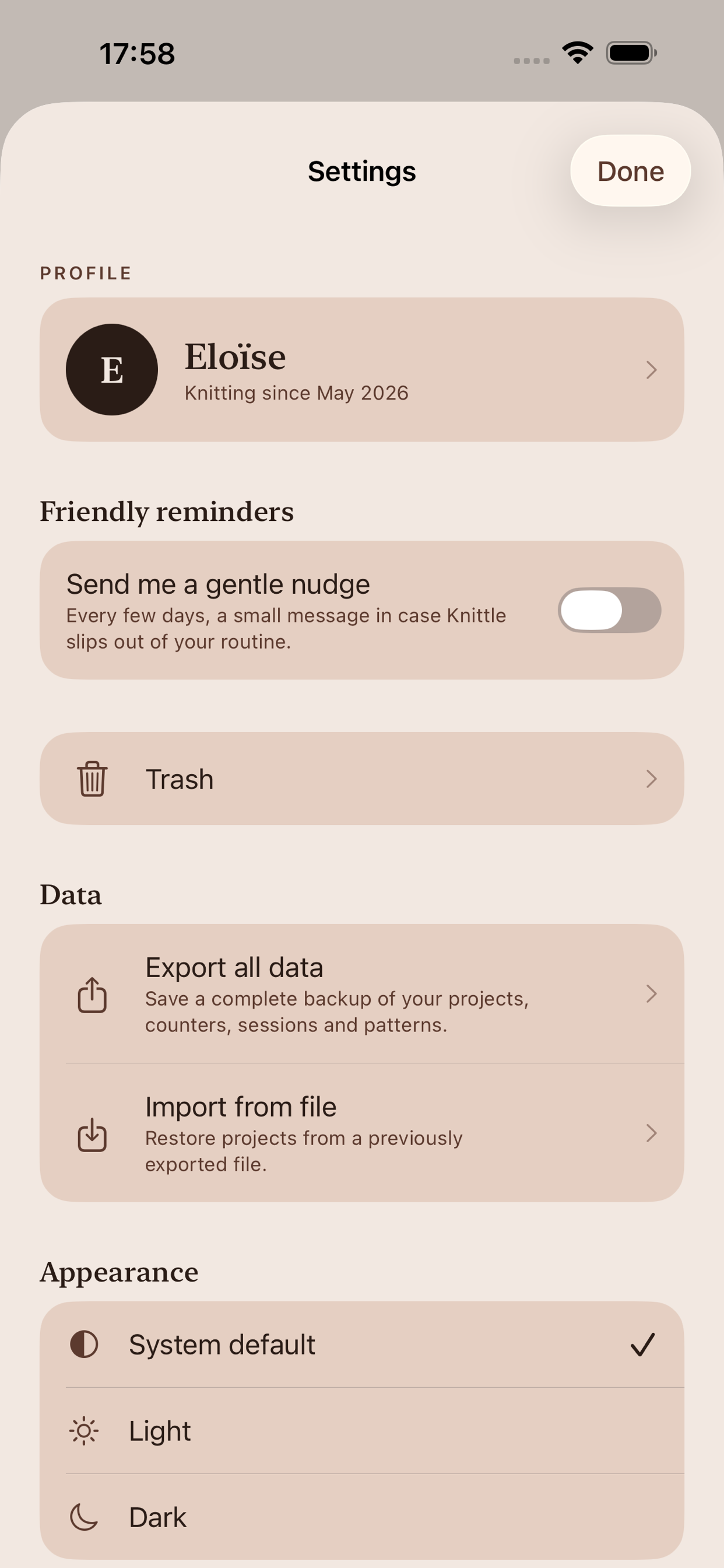
Settings made gentle
What Knittle does
A little app that holds your projects, your counts, your patterns and your notes, without ever getting in the way.
Tap to count up, swipe to undo. Set a target and a progress ring shows how close you are to binding off.
A neat shelf for everything you are making: in progress, planned or finished. Pause one, start another, come back any time without losing your place.
Beyond rows: track stitch counts and pattern motifs like K2P2 that repeat every X rows. Knittle keeps the maths.
A simple timer for each session, plus a 7-day chart and a lifetime total. See your rhythm without ever feeling watched.
Pattern tweaks, gauge swatches, PDF or photo of the pattern itself. Everything stays next to the project.
Count rows straight from your wrist. No need to put down the needles. Your project stays in sync with the iPhone.
On the Apple Watch
Knittle follows you to the wrist. A row counter, your project list and the session timer, one tap away. Everything stays in sync with the iPhone.
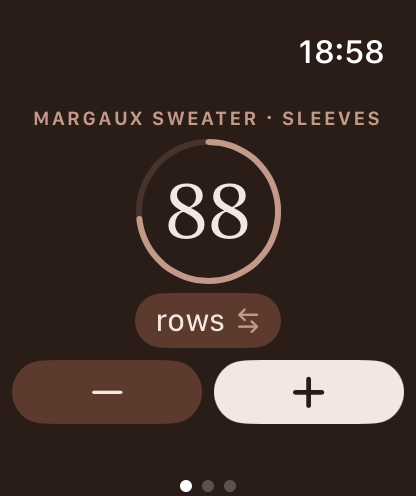
The row counter, on your wrist
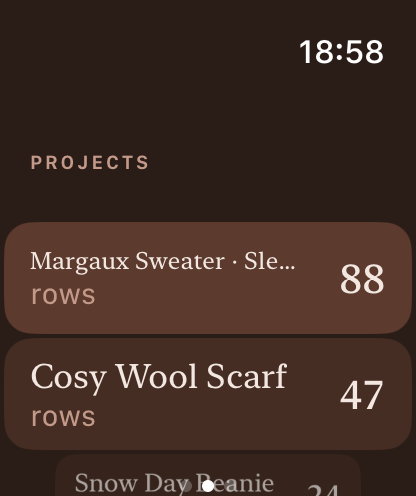
Switch between projects
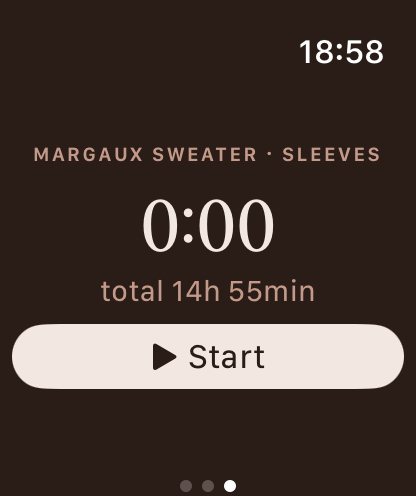
Time each session
How it works
Three small steps and you are knitting.
Give it a name, pick a colour, set your row target if you have one. That is the whole setup.
A big, friendly tap target for every row. Add a photo when something nice happens.
Your projects are waiting exactly where you left them. No streak to keep alive, no guilt.
Knittle is a free download on the App Store. Open it, add a project, and you are knitting.
Download on the App StoreFAQ
Knittle is not built to push you. It is built to sit on the arm of the sofa next to your yarn, and quietly remember where you are.
Most counters were designed like productivity tools: streaks, badges, notifications, leaderboards. Knitting is the opposite of that. It is slow on purpose. Knittle keeps the row counter, the project list, the photos and the notes, and removes the rest.
Cream, peach, soft wood. The colour scheme is borrowed from a basket of yarn rather than a dashboard. Every screen is meant to feel like a small, well-lit corner of a living room.
Knittle keeps your projects in your own private iCloud, synced across your devices. There is no Knittle account and no Knittle server holding your work. The few diagnostic signals we do collect are described plainly on the privacy page.